
Play my mp4 video on Tesla screen
This is how to play a video in full screen on Tesla using file.kiwi.
Step-by-step explanation
1. Open a web browser on Tesla
2. Create a shared web folder
3. ➊Click the Share button, ➋Scan the QR code on another device (where the video is saved).
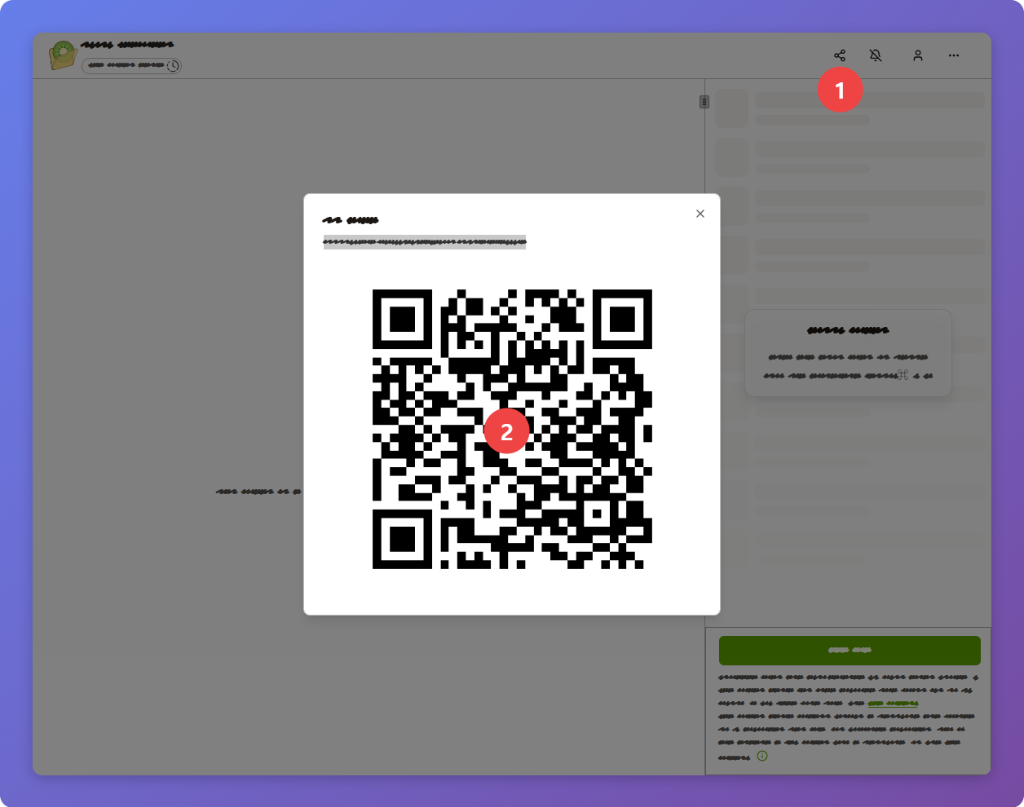
4. Upload the file from the web folder opened with the QR code. There is no need to wait for the upload to complete.
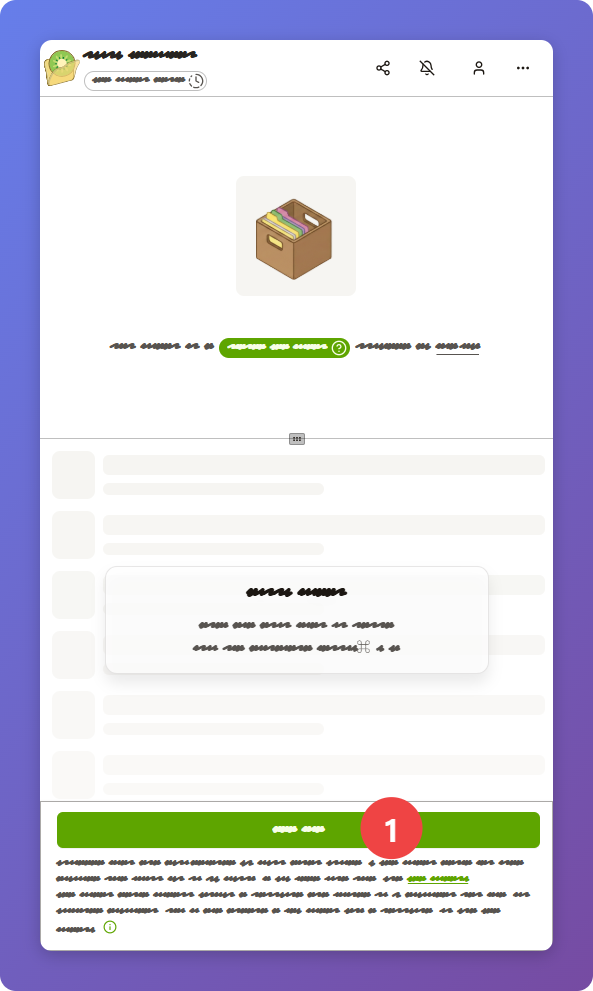
5. Refresh your Tesla browser.
Uploaded files are displayed in the list on the right.
6. Press the Full screen button in the upper right corner.
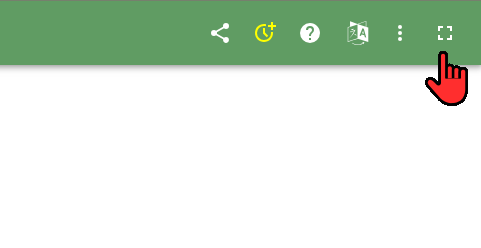
This full screen button only appears on Tesla.
If you press this, it will switch to full screen and you will suddenly see the YouTube page.
7. If you press Go to site on the YouTube screen, the web folder will be displayed in full screen.
8. After selecting the file, press the play button and full screen button.
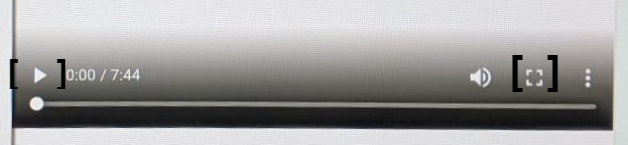
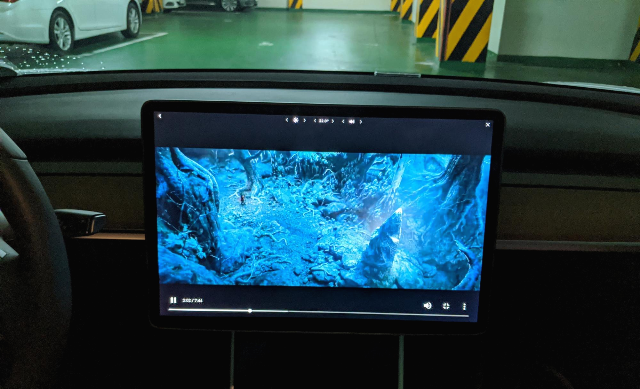
9. Watch in full screen.
Tip 1 - If you bookmark the same web folder on Tesla and other devices, it is convenient because you do not need to reconnect.